



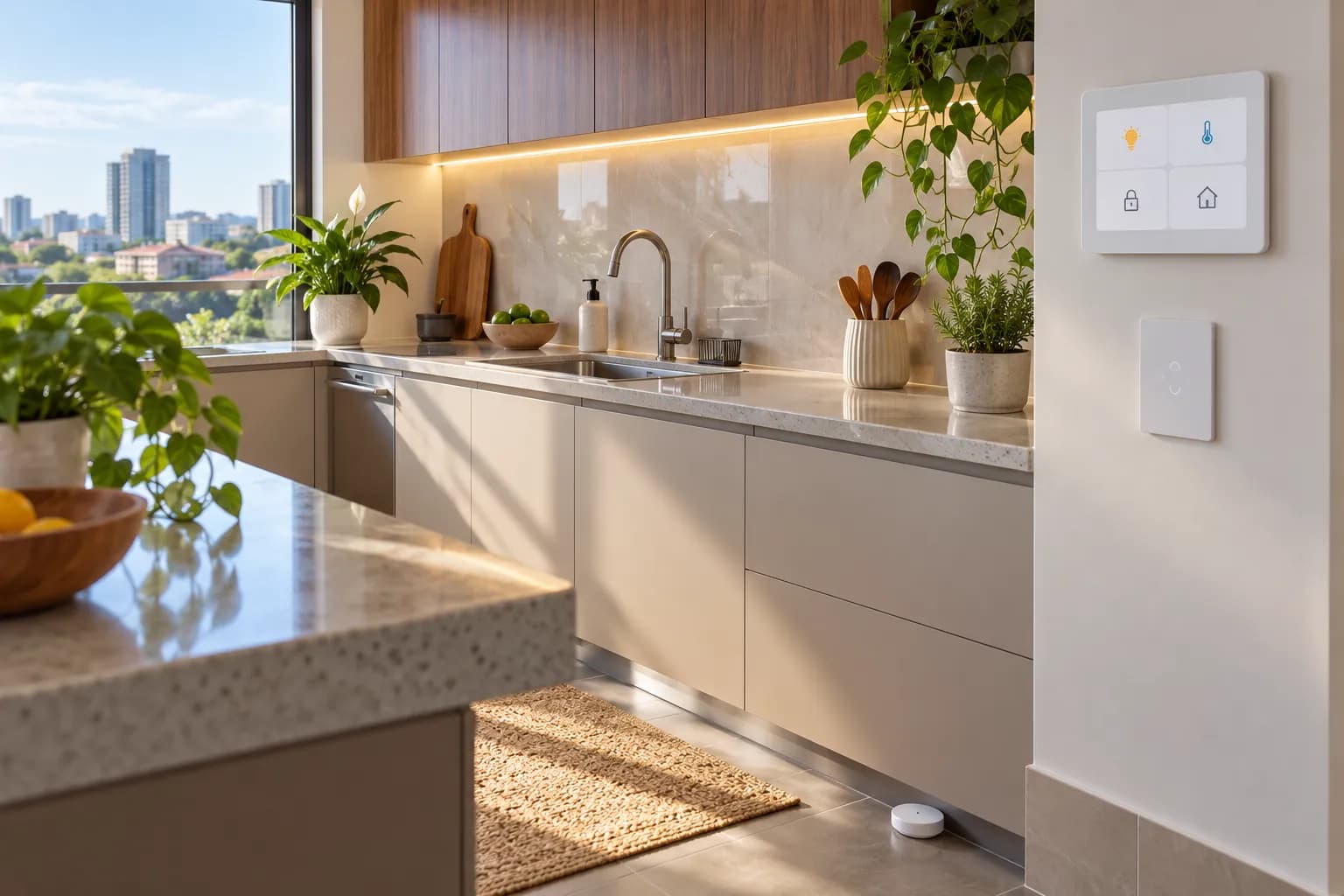



Smart home, made in plain steps
Your home, on your terms.
Switches you can tap or schedule, sensors that notice, a panel that runs it all, and a meter that shows what your geyser really costs. Built on SONOFF, Shelly and Home Assistant.
- Wi-Fi
- Zigbee
- Matter
- Alexa
- Google Home
The range
Everything a smart home is made of.
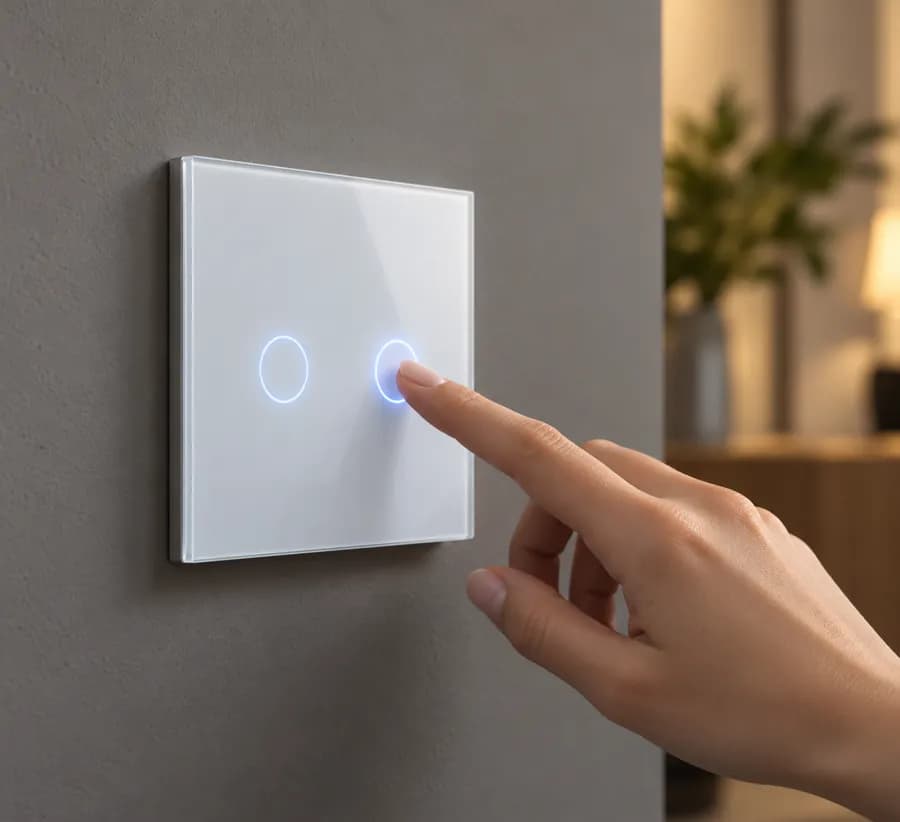
Smart Switches
Touch wall switches and modules that fit behind the switch you already have.
Retrofit Modules · Wall Switches
Sensors & Security
Motion, presence, door, leak and climate sensors, plus cameras.
Cameras · Sensors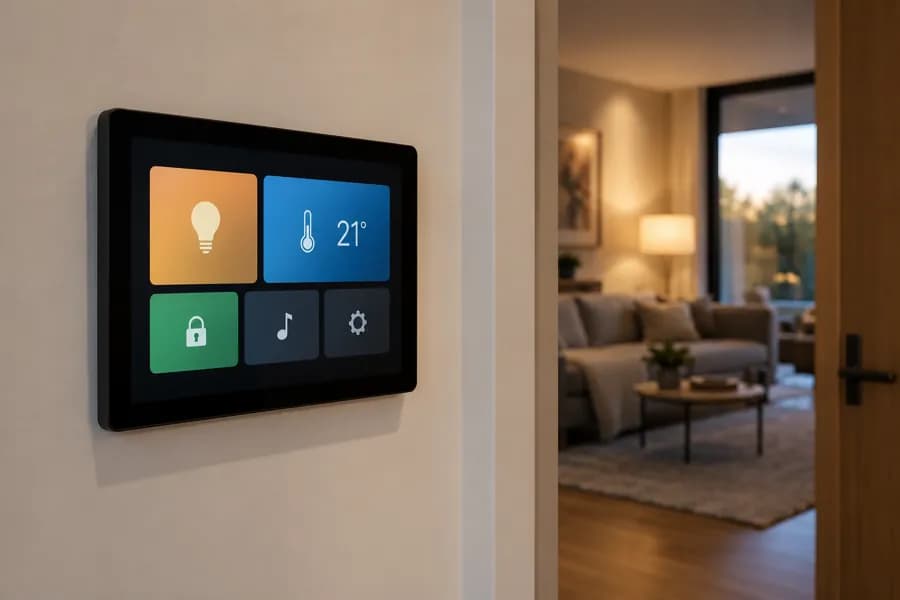
Hubs & Control
Control panels, hubs and bridges that tie every device together.
Bridges · Control Panels · Displays · Home Assistant · Hubs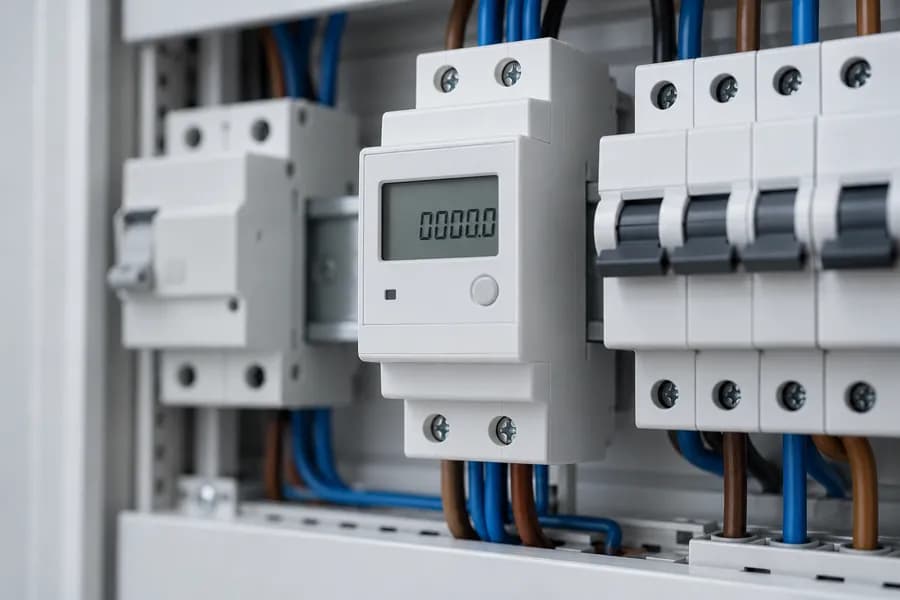
Energy
See what your geyser, pump and sockets really use, and switch them on a schedule.
Power Monitoring
Lighting
LED strips and outdoor lights you can dim, colour and schedule.
LED Strips · Outdoor Lighting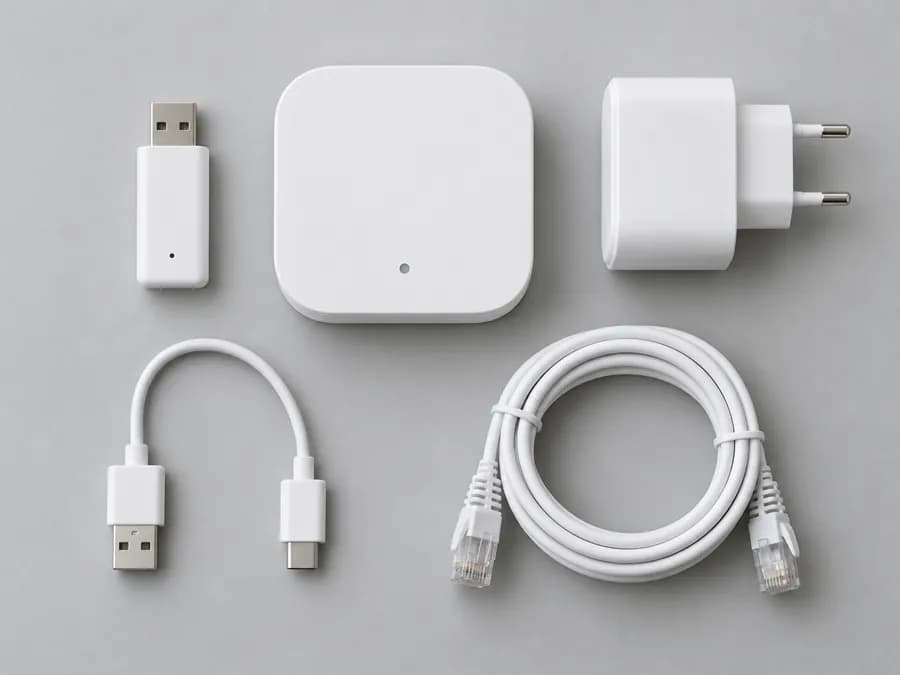
Accessories
Frames, probes, cables and the small parts that finish an install.
Shop by room
Start with the room you use most.
Good places to start
The devices we'd fit first.


How it goes
From one switch to the whole house.
Pick a first device
Most homes start with a switch or a module behind an existing switch. Not sure what your wiring allows? Email us a photo of the switch box and we'll tell you.
Fit it
Plug-in and battery devices take minutes. Anything on mains wiring, like switches, modules and DIN-rail meters, should be fitted by a qualified electrician.
Run it your way
Tap it in the app, ask your voice assistant, or set schedules and scenes. Add a hub or Home Assistant when you want everything to work together.
Energy
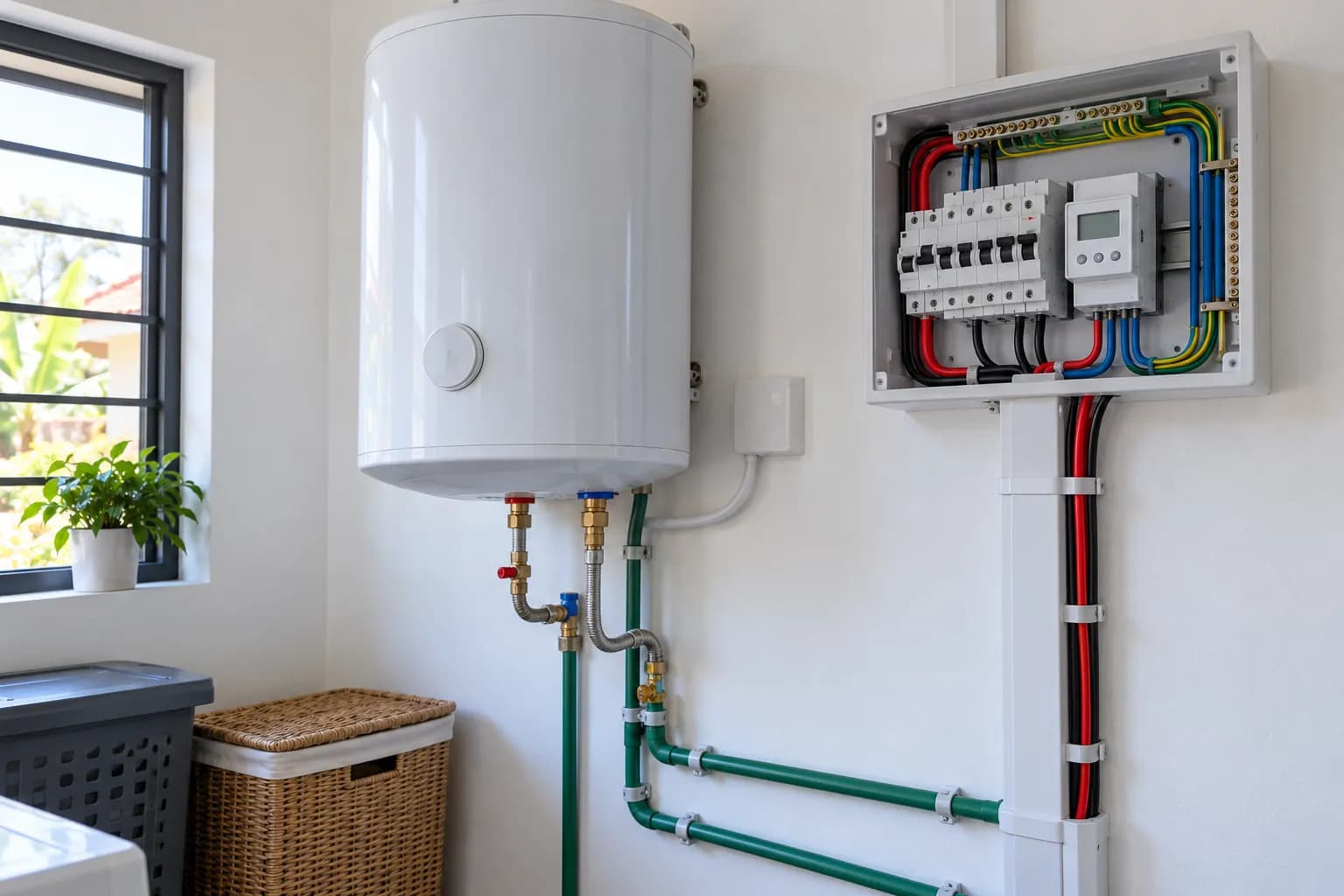
Know what the geyser costs. Then cut it.
A power-monitoring switch on the geyser, pool pump or borehole shows live watts and daily kWh in the app, and runs it on a timer so it only heats when you need it.
- Live power, current and voltage
- Schedules and timers per circuit
- Alerts when use passes a limit
In the range
More to explore.


Wi-Fi●Zigbee●Matter●Bluetooth●Amazon Alexa●Google Home●Home Assistant●eWeLink app●Shelly app●Wi-Fi●Zigbee●Matter●Bluetooth●Amazon Alexa●Google Home●Home Assistant●eWeLink app●Shelly app●
Not sure where to begin?